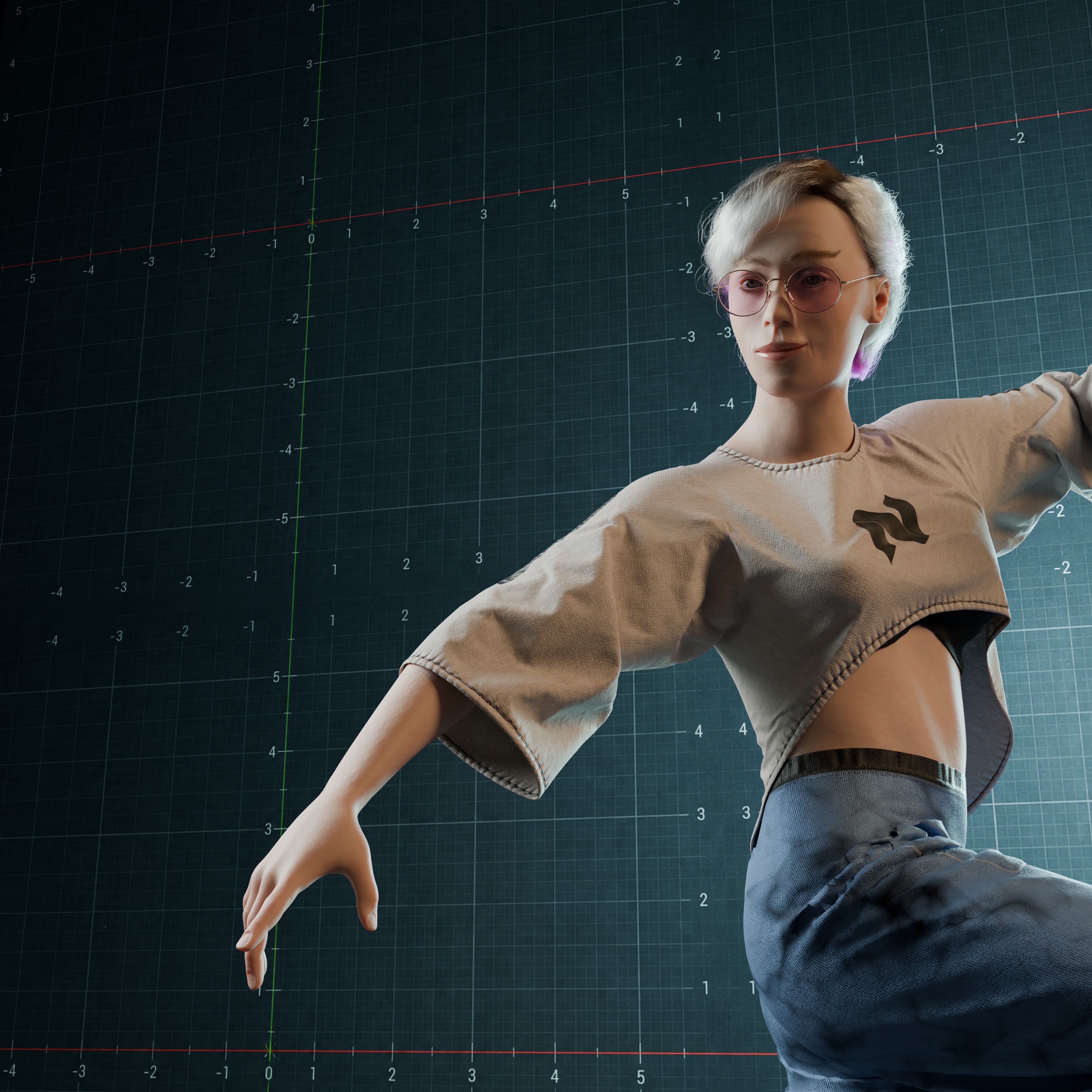
Cloth NeXt cloth simulation result on an animated character
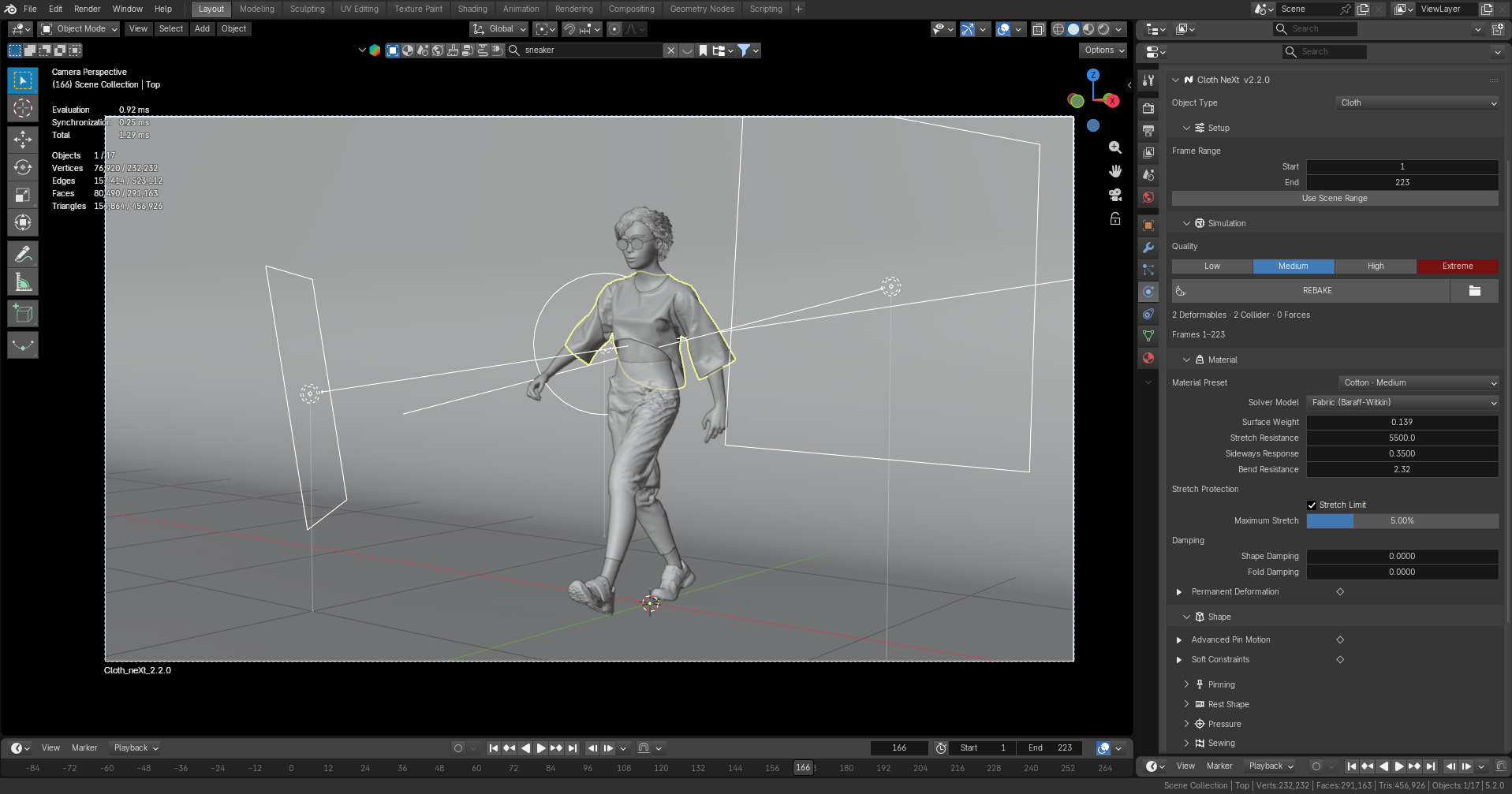
Cloth NeXt workflow inside Blender
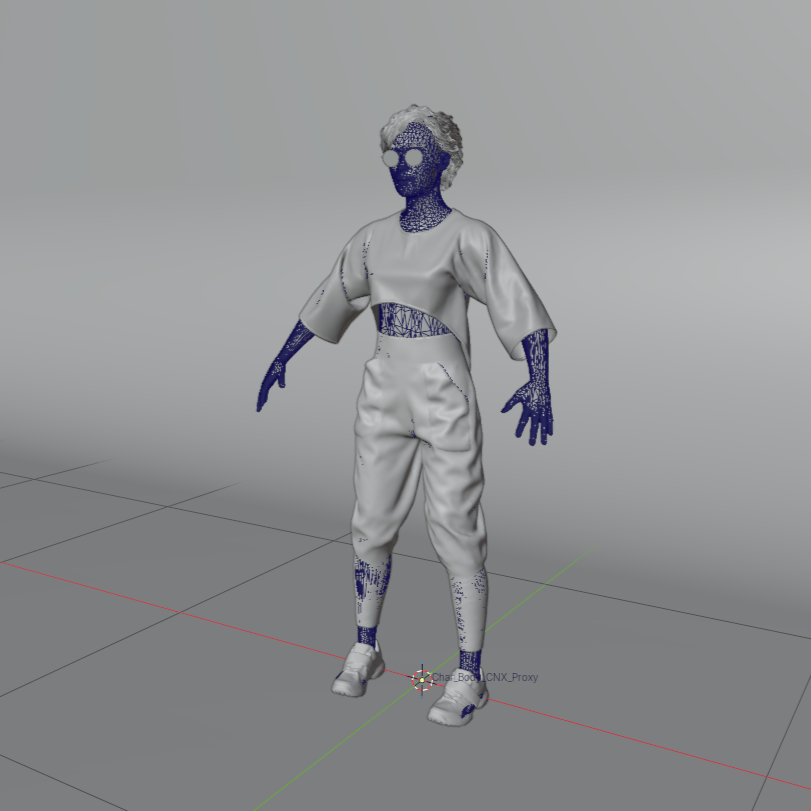
Cloth NeXt character collision cage
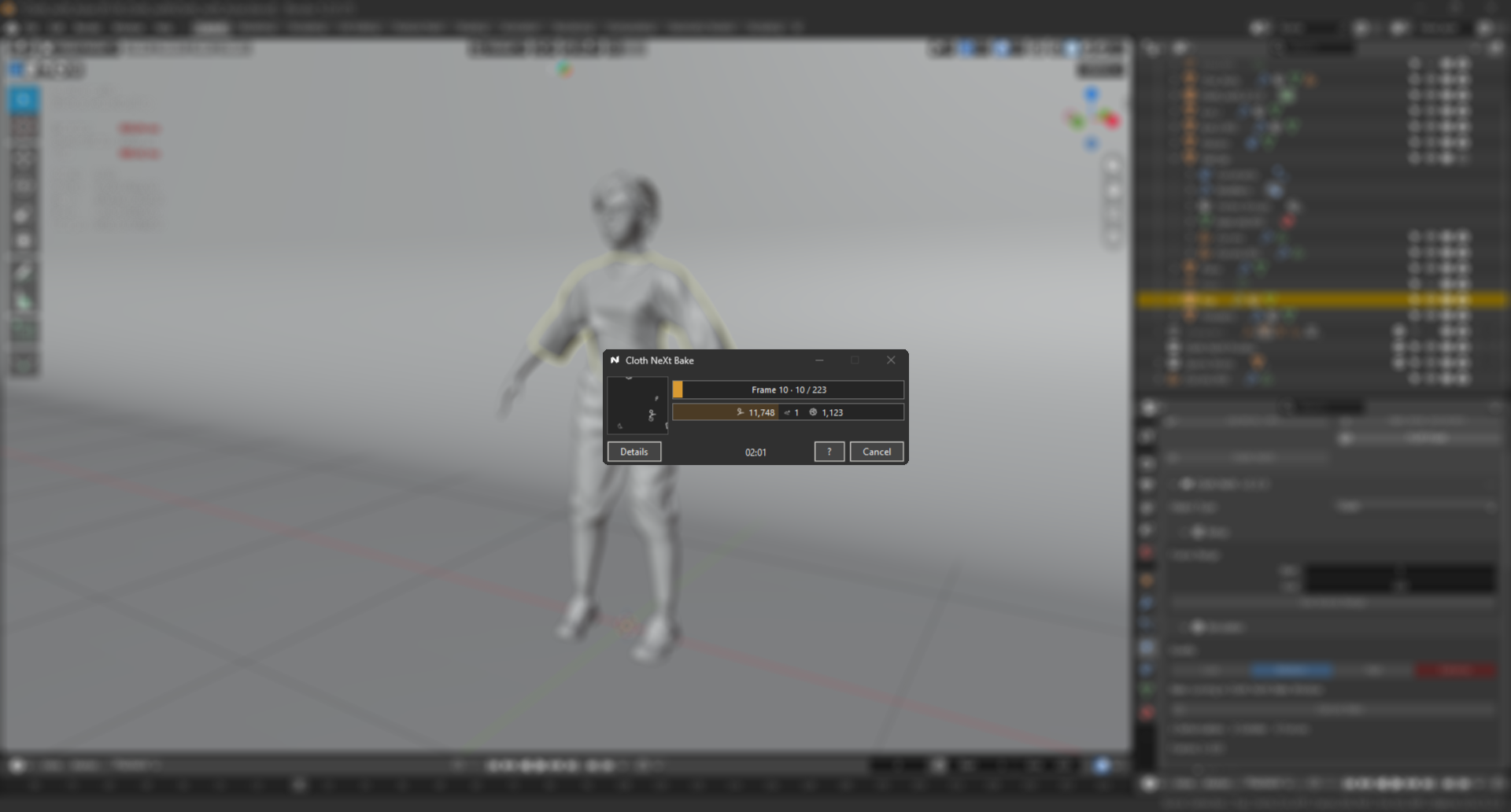
Cloth NeXt Bake Companion
Cloth NeXt
Current Release:
GPU CLOTH SIMULATION FOR BLENDER

Make the clothes
you wanted
in the first place.

Keep the layers, the animation and the detail instead of designing around cloth limitations.

REAL SIMULATION. REAL GEOMETRY.

This is the
character.
Not a proxy.

230k cloth triangles against a complete 200k-triangle animated character. No body collision proxy.

Real Cloth NeXt result · no AI marketing render
Actual production-scale result.230k cloth triangles
MEASURED ON THE DEMO ABOVE

Production scale.
Measured.

230kcloth triangles
200kcharacter triangles
~100kcontacts
223frames
~25 minbake time
SELF COLLISIONPROXY MESHINTERSECTIONSANOTHER BAKELAYER SPACINGFAILED AT FRAME 218MANUAL CLEANUPEXPLODING CLOTHSUBSTEPS?WORKED YESTERDAYREBAKESIMPLIFY THE GARMENTTONE DOWN THE ANIMATIONCOLLISION THICKNESSSTART FROM FRAME 1WHY IS IT VIBRATINGCOMPROMISEONE MORE TESTLOWER THE TIMESTEPPINNING DRIFTONE BAD VERTEXCACHE IT AGAINWHY IS THE SLEEVE INSIDE THE BODYFIX IT AFTER THE BAKE
WHAT CLOTH USUALLY COSTS

Cloth problems
don't stay
cloth problems.

They spread into the costume, animation, cleanup and the rest of the shot.

THE BETTER OUTCOME

The shot
should win.

Cloth should follow the art direction, not rewrite it.

THE WORK STAYS IN BLENDER

Four steps between
your mesh and a bake.

Assign. Pick. Validate. Bake. The simulation workflow stays where your scene already lives.

01 · AssignChoose the cloth.
02 · PickSelect a material.
03 · ValidateCatch issues early.
04 · BakeStart the simulation.
WHEN EVERY MINUTE MATTERS

Spend simulation time where the camera sees it.

Generate animation-aware collision cages when a dense character needs a lighter collision target.

  • Per-bone collision structure
  • Visible and editable in Blender
  • Reusable evaluated data
YOUR BAKE DOESN'T NEED YOUR ATTENTION

Know where it is.
Know what happens next.

Follow progress, estimated time and system use. Verified recovery can preserve a valid checkpoint after supported unexpected exits.

  • Current frame and overall progress
  • Estimated remaining time
  • CPU, RAM and VRAM monitoring
  • Verified recovery and resume
75
75 MATERIAL STARTING POINTS

Pick the fabric.
Keep moving.

Start from a material preset and tune only when the shot asks for it.

AssignChoose the cloth.
PickChoose the fabric.
ValidateCatch issues early.
BakeJudge the shot.
YOU CAME FOR CLOTH

The rest
comes with it.

The same workflow extends to cables, closed soft bodies, rigid bodies, colliders and forces.

Soft bodiesCablesRigid bodies + forces
ONE ADD-ON. ONE WORKFLOW.

Everything around the sim
is part of the product.

Layered Cloth
75 Material Presets
Animated Characters
Character Collision Cages
Hard + Soft Pins
Bake Companion
Verified Recovery
Soft Bodies + Cables
Rigid Bodies + Forces
ALL OF CLOTH NEXT

Everything above.

Starts at$20Personal licenseCommercial license · $100
PICK THE LICENSE THAT MATCHES THE WORK

Personal project
or paid production?

PERSONAL

For personal work and smaller commercial use.

$20

One individual user. Personal and non-commercial work plus commercial work generating up to $1,000 in revenue per year.
COMMERCIAL

For unrestricted paid production.

$100

One individual professional user with unlimited commercial use across freelance work, client projects and paid productions.

CLOTH SIMULATION, BUILT FOR BLENDER

Make the shot.
Not the workaround.

Stop shaping the art direction around cloth limitations.

Blender 5.0+Windows x64NVIDIA GPUGuided setup

One setup detail. The required simulation engine is installed separately through Cloth NeXt preferences. Cloth NeXt guides the installation and verifies compatibility for you.

Every simulation and result shown on this page was produced with Cloth NeXt.

01 / 14 · Build the shotScroll to explore