
Find your next breakthrough.
Every focused lesson in one place. Search a topic, choose a level, and open the tutorial you need.
 QUICK START
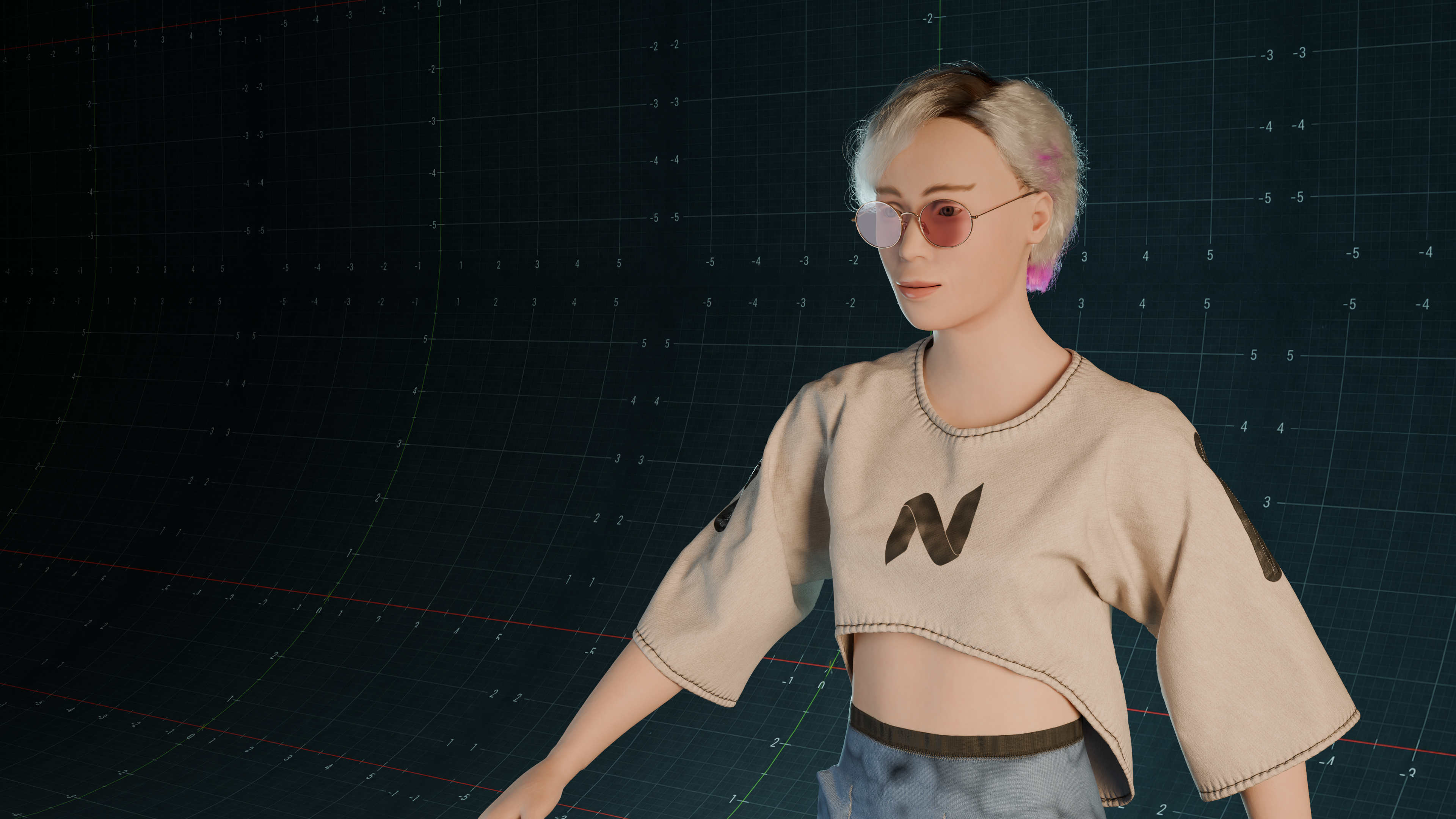
Your First Simulation
Build a tiny Cloth and Collider scene, set a cache directory and complete a short test Bake.
 SETUP
SETUPInstall Cloth NeXt and Connect PPF
Understand the extension, managed solver setup, external installations and the health check.
 WORKFLOW
Use the New Look Toolbar
Set the cache directory, choose quality, Bake from the viewport and use F6 to show or hide the toolbar.
 MATERIALS
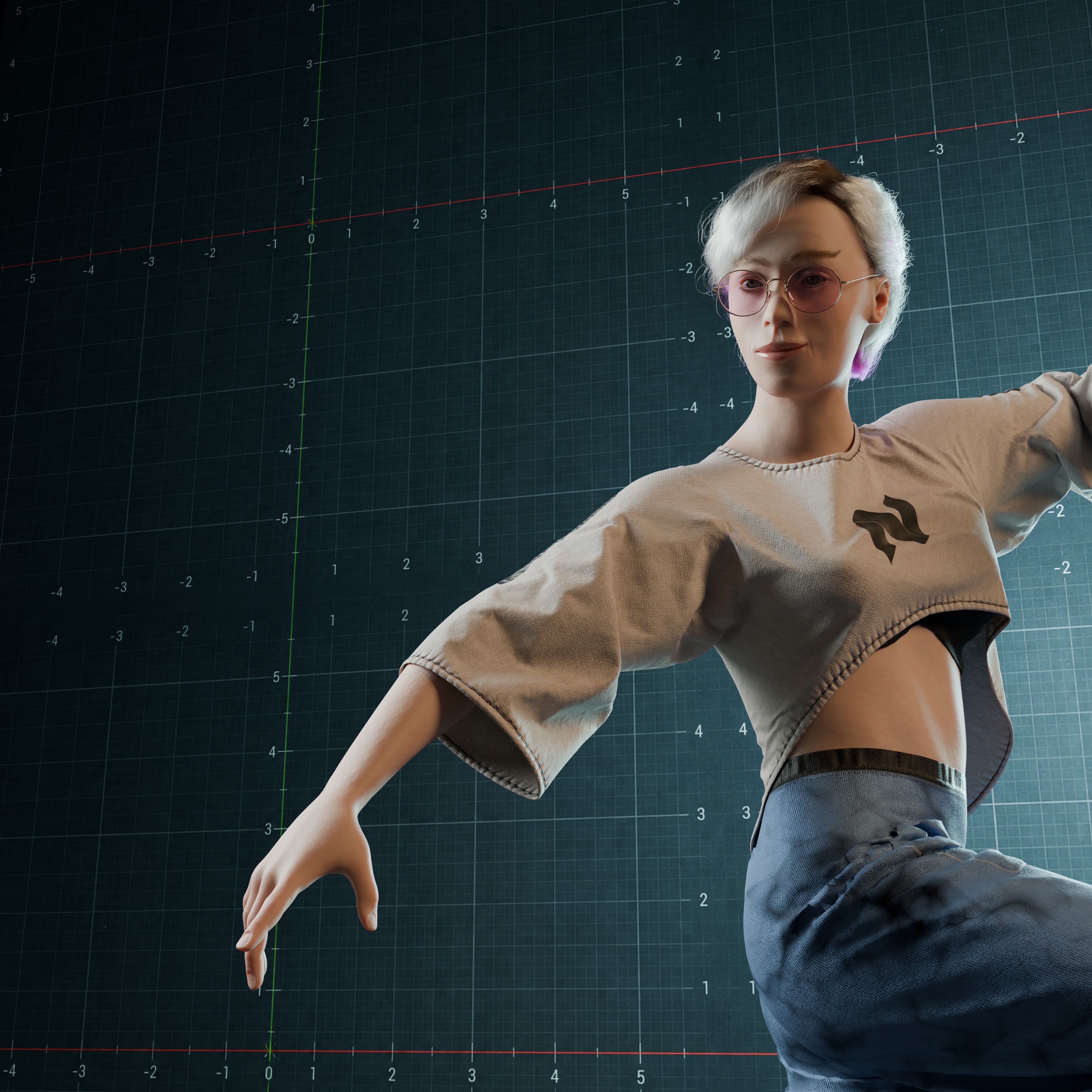
Tune Cloth Materials
Learn Surface Weight, Stretch Resistance, Bend Resistance, friction, pressure and Shrink without guesswork.
 PINNING
Pin Cloth to Animation
Use Blender vertex groups with Static or Follow Animation pins and understand what the solver actually receives.
 CHARACTERS
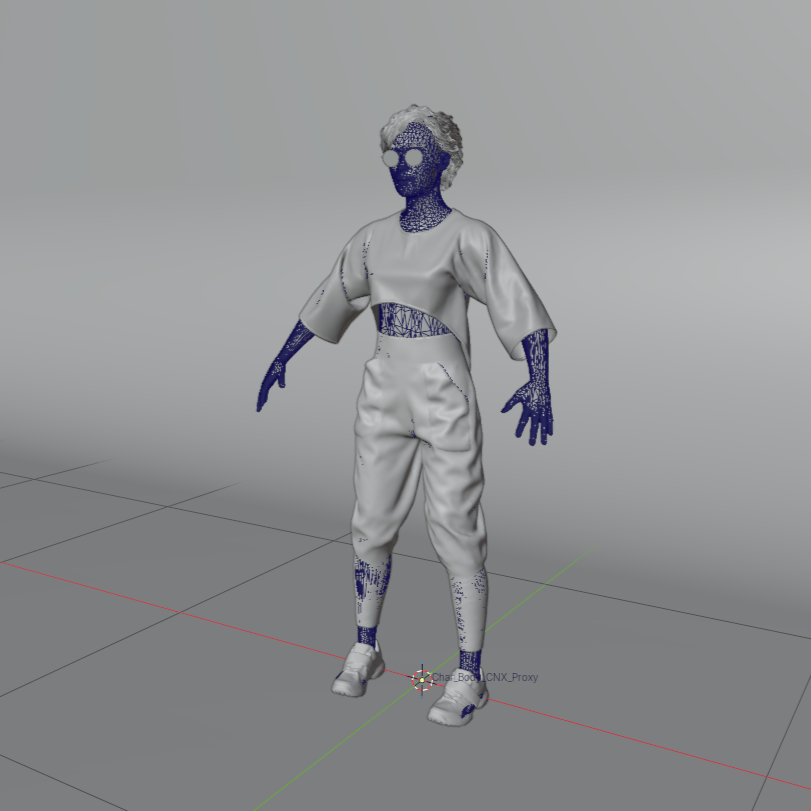
Animated Colliders and Character Cages
Choose collider motion, build character proxies and keep animated topology stable during Bake.
 FORCES
Gravity, Wind and Air
Use Force objects for directional gravity, wind and aerodynamic settings with animation support.
 BAKE
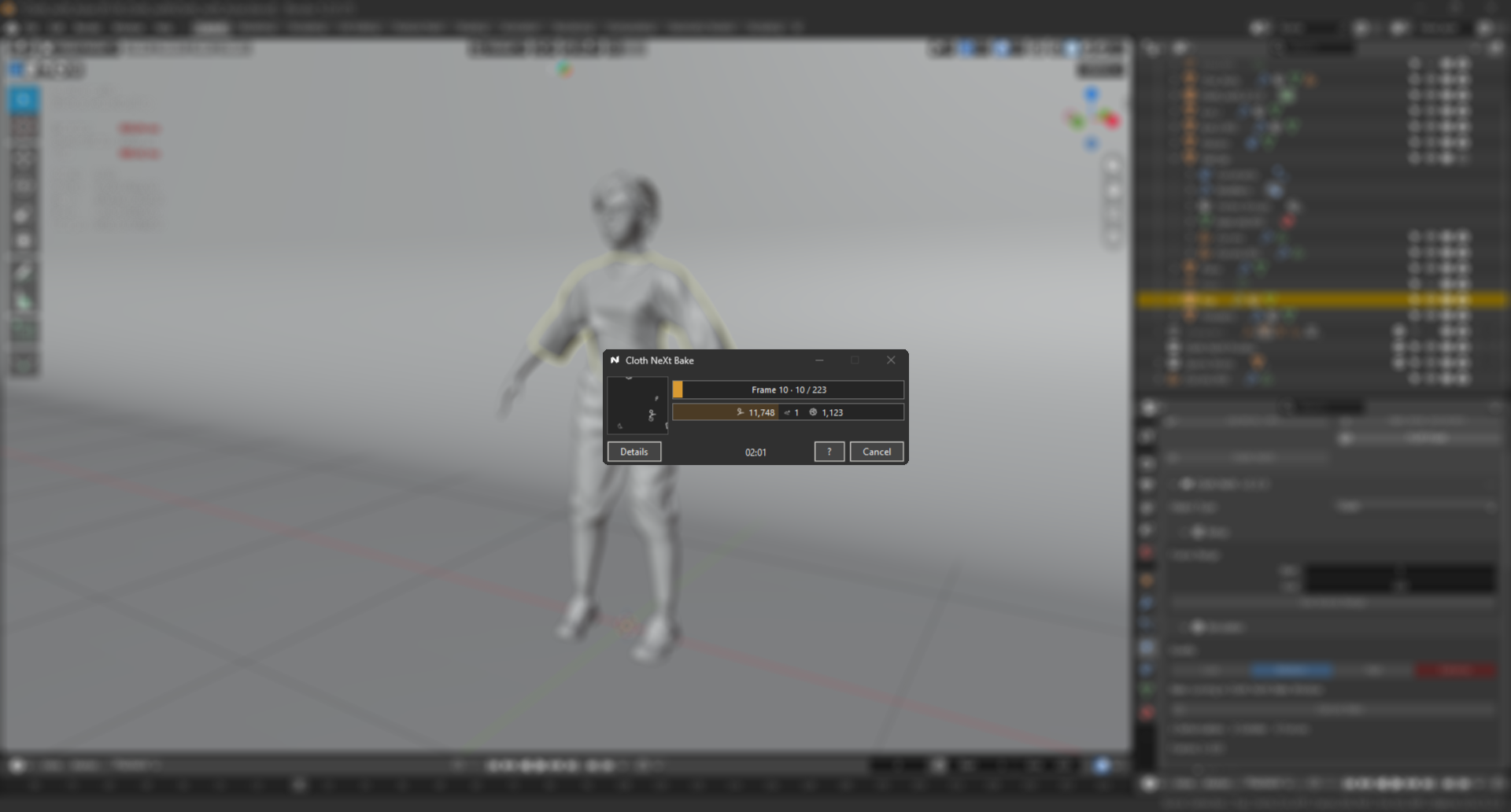
BAKEBake and Live View
Understand validation, solver startup, confirmed live frames, progress, Cancel and the final playback handoff.
 CACHE
CACHECaches, Rebake and Recovery
Know when a result is valid, what invalidates it and how Cloth NeXt protects previous caches during replacement.
 TROUBLESHOOTING
Troubleshoot a Failed Bake
Read CNX errors, separate solver problems from scene problems and use diagnostics without random parameter changes.
 REFERENCE
Choose the Right Simulation Role
Cloth, Rod, Soft Body, Rigid Body, Collider and Force each have a different job in the same scene.
 UPDATES
Stable, Beta and Dev Channels
Pick the right confidence level, switch channels through Blender and understand what belongs in production.
Try removing a filter or using a broader search term.